

Expert Course with Claude AI
| Training Mode | Regular | Fastrack | Crash |
|---|---|---|---|
| Classroom | Online | 3 Months (M,W,F or T,T,S Class) (3 Class in a week) |
2 Months (Monday to Friday Class) (5 Class in a week) |
1 Month (Monday to Friday Class) (5 Class in a week 1:30 hour duration) |
The Expert Course with Claude AI at Next-G Classes, Rithala (Rohini), Delhi teaches you to use Claude – one of the most capable AI assistants – for real work. You will learn every important concept of Claude: smart prompting, Projects, Artifacts, file and data analysis, Claude Code, connectors and the Claude API.
The course is completely practical. You will build complete websites with Claude, create banners, infographics and social media graphics, automate image work (resize, compress, convert, watermark hundreds of images in one go) and automate daily office tasks – reports, emails, spreadsheets and documents.
No coding background is needed. We start from the basics and by the end of the course you will have a portfolio of live projects built with Claude. Available in classroom and live online mode.
Course Highlights
- Learn all major Claude features: Chat, Projects, Artifacts, Research, file analysis, Claude Code and API
- Build and publish 3 real websites (business, portfolio and landing page) with Claude
- Create graphics, logos-style designs, banners and infographics with Claude (SVG / HTML)
- Image automation – bulk resize, compress, WebP conversion, watermark and rename
- Office automation – Excel, reports, emails, PDFs and documents with AI
- Prompt engineering frameworks and a ready prompt library to take home
- Live projects, certificate and placement / freelancing guidance
Tools You Will Use
Claude (web, desktop & mobile), Claude Code, Claude API, VS Code, GitHub, Hostinger / cPanel hosting, Google Sheets, Canva, Python (basic, written with Claude), n8n / Make / Zapier.
Who Can Join?
- Students after 10th, 12th or graduation (BCA, B.Com, BA, B.Tech, MBA and others)
- Job seekers and working professionals who want to upgrade with AI skills
- Business owners, freelancers, shop owners and startup founders
- Teachers, content creators and digital marketers
- Web designers and developers who want to work 5x faster with AI
Module 1: Introduction to Generative AI and Claude
- What is Generative AI and how large language models work
- Claude models, plans and features – web, desktop and mobile apps
- Tokens, context window and limits explained simply
- Safe and responsible use of AI, privacy and fact-checking
Module 2: Prompt Engineering with Claude
- Anatomy of a good prompt – role, context, task, format
- Few-shot examples, step-by-step reasoning and XML-style structure
- Prompt templates for business, study, content and coding
- Improving and debugging prompts, building your own prompt library
Module 3: Claude Projects, Files and Research
- Projects with custom instructions and knowledge files
- Analysing PDFs, Word, Excel and images with Claude
- Web search and research reports with sources
- Summaries, notes, proposals and SOPs in minutes
Module 4: Artifacts – Build Apps, Documents and Visuals
- Creating Artifacts: documents, code, diagrams and mini apps
- Interactive tools – calculators, quizzes, forms and dashboards
- Charts and data visualisation from your own data
- Sharing and reusing Artifacts
Module 5: Website Development with Claude
- Planning a website: sitemap, content and design brief with Claude
- Generating HTML5, CSS3 and responsive Bootstrap layouts
- Adding JavaScript features – sliders, galleries, forms, WhatsApp button
- PHP contact form with email and MySQL basics
- WordPress with Claude – content, custom CSS and plugin setup
- Domain, hosting, SSL and publishing the website live
- On-page SEO, schema and speed optimisation with AI
Module 6: Graphics and Image Creation with Claude
- Designing banners, posters, social posts and infographics as SVG / HTML
- Logo-style marks, icons and illustrations with code
- Writing perfect prompts for AI image generators
- Reading and editing images: alt text, captions and product descriptions
Module 7: Image Automation
- Bulk resize, crop and compress images with Claude-written scripts
- Convert JPG / PNG to WebP for faster websites
- Automatic watermark, rename and folder organisation
- Creating product image sets and social media sizes in one click
Module 8: Claude Code – Agentic Coding
- Installing and using Claude Code in the terminal and VS Code
- Letting Claude read, edit and test a whole project
- Fixing bugs, refactoring and adding features safely
- Git and GitHub workflow with Claude
Module 9: Automation with Claude API and Connectors
- Claude API basics – keys, requests and costs
- Connecting Claude with Google Sheets, Gmail and forms
- No-code automation with n8n / Make / Zapier
- MCP connectors and integrating Claude with your apps
- Building an AI chatbot / FAQ bot for a website
Module 10: Claude for Business and Productivity
- Excel formulas, data cleaning and reports
- Emails, proposals, quotations and presentations
- Content writing – blogs, product descriptions, ad copy
- Customer support replies and SOPs
Module 11: Live Projects and Portfolio
- 3 live websites hosted online
- Image automation tool for a real business
- One business automation workflow
- Portfolio, resume and freelancing profile with AI
Contact Us
Course Feedback
Student Projects
-
.png.webp)
Name : Manish Bharti
Course : Web Designer
Project : Mindx
Guided By : Rajesh Sir
-
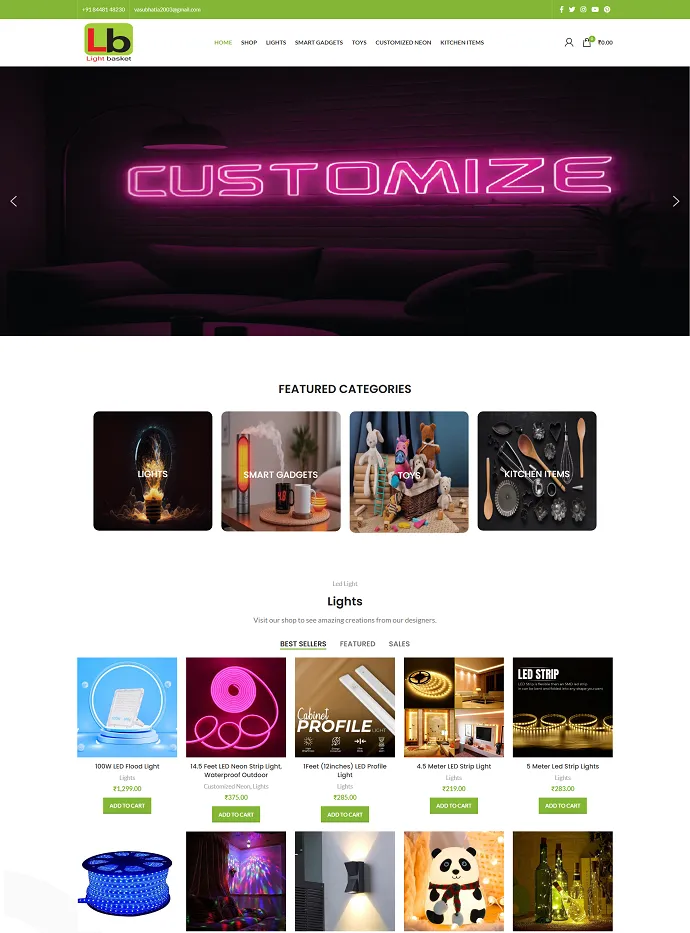
Name : Manish Bharti
Course : Web Designer
Project : Light Basket
Guided By : Rajesh Sir
-
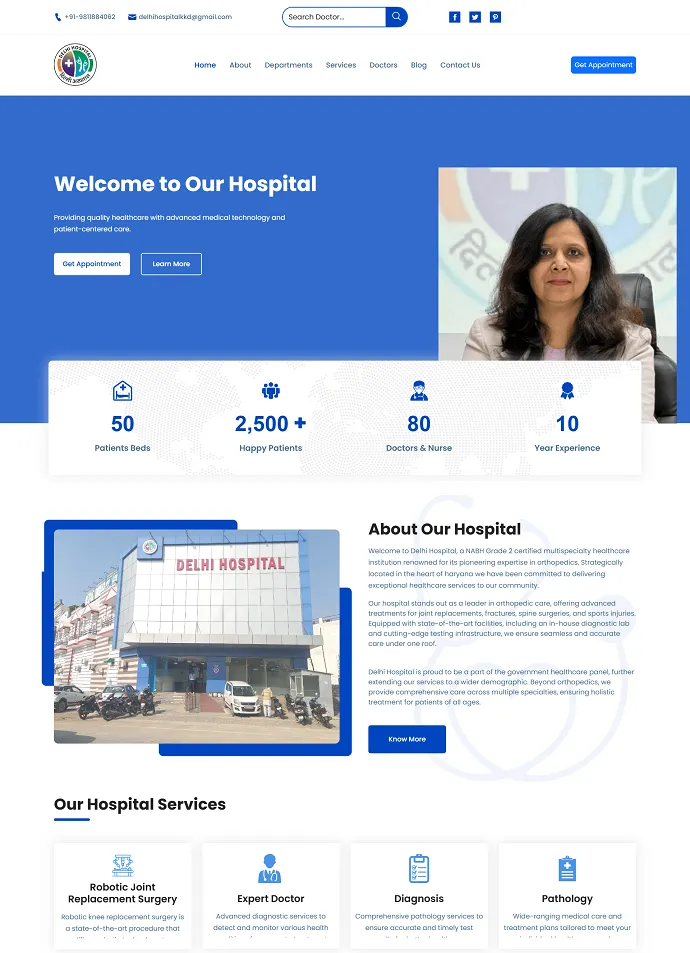
Name : Sakesh Kumar
Course : Web Development
Project : Delhi Hospital
Guided By : Rajesh Sir
-

Name : Vikash Kumar
Course : Full Stack Developer
Project : PS Health Care
Guided By : Rajesh Sir
-

Name : Bablu Kumar
Course : Web Developer
Project : Mudra Cash for Gold
Guided By : Rajesh Sir
-
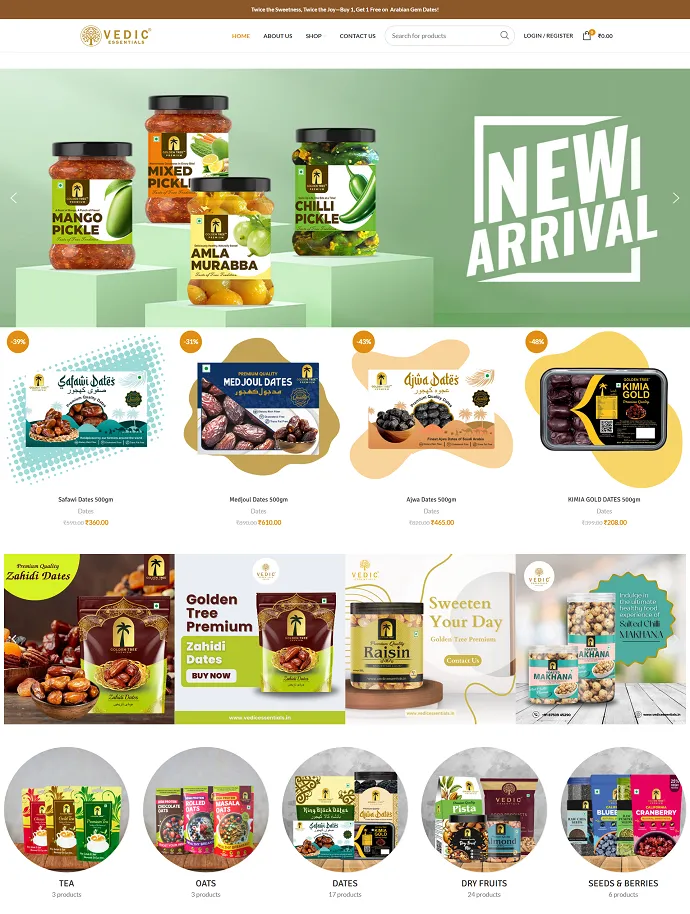
Name : Manish Bharti
Course : Web Designer
Project : vedicessentials
Guided By : Rajesh Sir
-
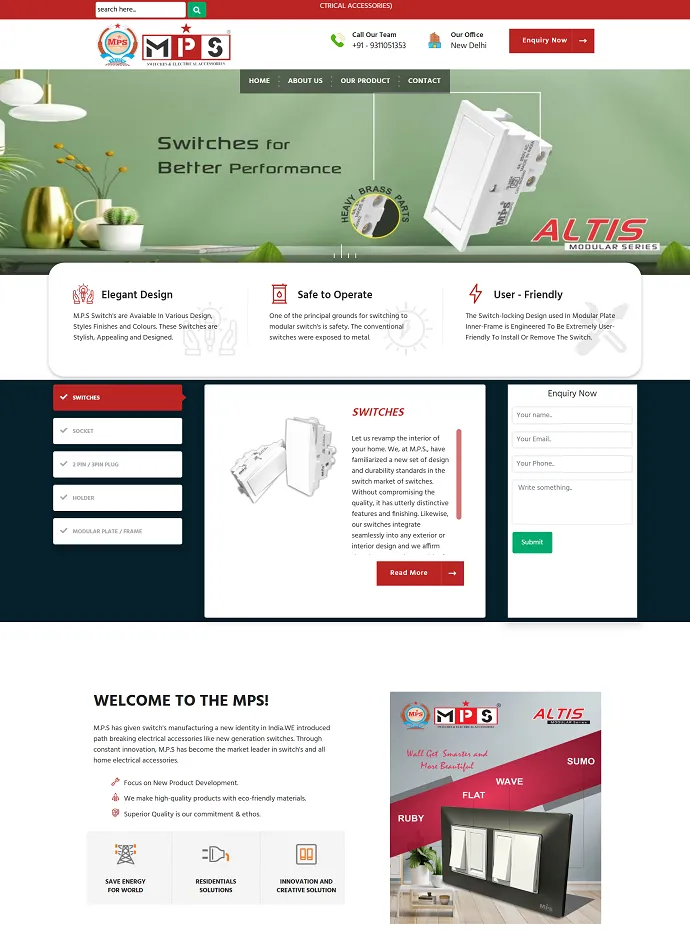
Name : Guddu Kumar
Course : Advance Full Stack Developer Expert
Project : MPSswitches
Guided By : Rajesh Sir
-
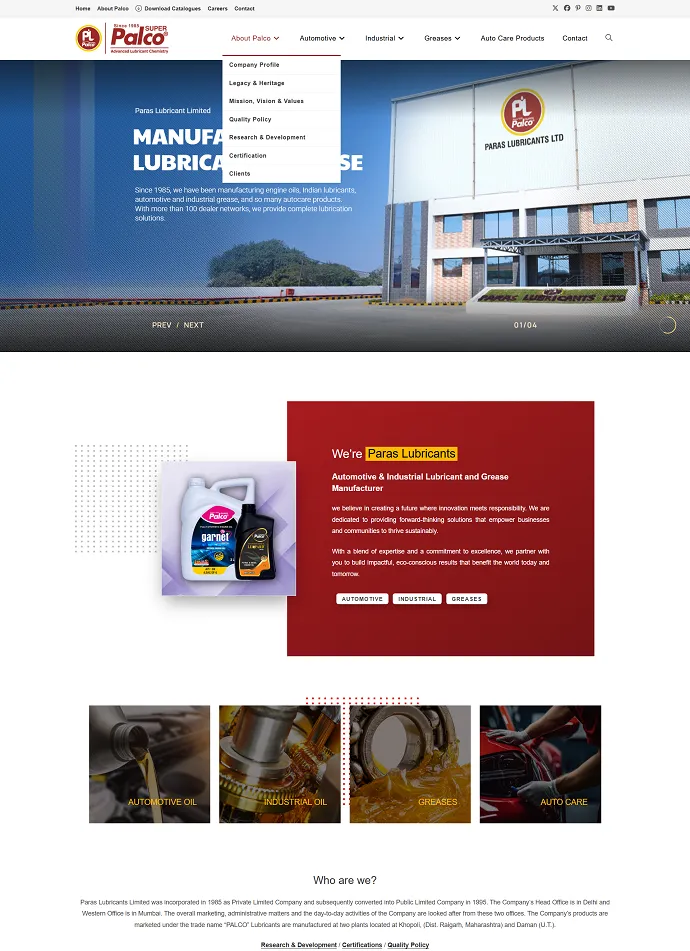
Name : Guddu Kumar
Course : Advance Full Stack Developer Expert
Project : Palco
Guided By : Rajesh Sir
Frequently Asked Questions – Expert Course with Claude AI
How long is the Expert Course with Claude AI?
You can choose the pace that suits you – Regular: 3 Months, Fastrack: 2 Months, Crash: 1 Month. Regular batches usually have 5 classes a week of about 1.5 hours each; fastrack and crash batches cover the same syllabus in less time with longer or more frequent classes.
Can I join the Expert Course with Claude AI online?
Yes. Expert Course with Claude AI is available as classroom training at our Rithala centre (near Rohini and Rithala Metro Station, Delhi) and as live instructor-led online classes. Online students get the same syllabus, assignments, doubt-clearing and certificate as classroom students.
What will I learn in the Expert Course with Claude AI?
The syllabus covers Module 1: Introduction to Generative AI and Claude, Module 2: Prompt Engineering with Claude, Module 3: Claude Projects, Files and Research, Module 4: Artifacts – Build Apps, Documents and Visuals, Module 5: Website Development with Claude, Module 6: Graphics and Image Creation with Claude, Module 7: Image Automation, Module 8: Claude Code – Agentic Coding, Module 9: Automation with Claude API and Connectors and Module 10: Claude for Business and Productivity, with hands-on practice in every module. The full module-wise syllabus is listed on this page.
Will I get a certificate after the Expert Course with Claude AI?
Yes. After completing the course and the project work, you receive a course completion certificate from Next-G Classes, an ISO-certified and MSME-registered training institute.
Who can join the Expert Course with Claude AI?
Students after 10th or 12th, college students (BCA, MCA, B.Tech, B.Com, BA and others), graduates, job seekers, working professionals and business owners can join. Basic computer knowledge is enough – training starts from the fundamentals.
Do you provide live projects and placement assistance?
Yes. Students work on practical assignments and live projects during the course, build a portfolio, and get interview preparation and placement assistance after completing the course.
What is the fee for the Expert Course with Claude AI?
The fee depends on the batch type (regular, fastrack or crash) and on whether you study in the classroom or online. Call or WhatsApp +91-7503301775 for the current fee and offers. Fees can be paid in instalments and an EMI option is available.
Can I attend a free demo class before joining?
Yes. You can book a free demo class at the Rithala centre or online by calling +91-7503301775 or by filling in the enquiry form on this page.
Where is Next-G Classes located?
Next-G Classes is at Plot No 4, Kh. No. 59/13, First Floor, Pal Colony, Rithala, Delhi - 110085, a short walk from Rithala Metro Station and close to Rohini, Pitampura and Shalimar Bagh. The centre is open from 8 AM to 8 PM, all 7 days.
KEY FEATURES OF COURSES




Trusted by our Students
More than 1000 students we have trained in last 8 years placed successfully in various Industry.